From Danny McVey come interesting developments in the ArcGIS Pro space. He has created what he calls arcgispro-cli12. From what I understand3, arcgispro-cli adds a button in the ArcGIS Pro interface that will export your ArcGIS Pro project to a (largely JSON-based) format that AI tools understand and can use as input data.
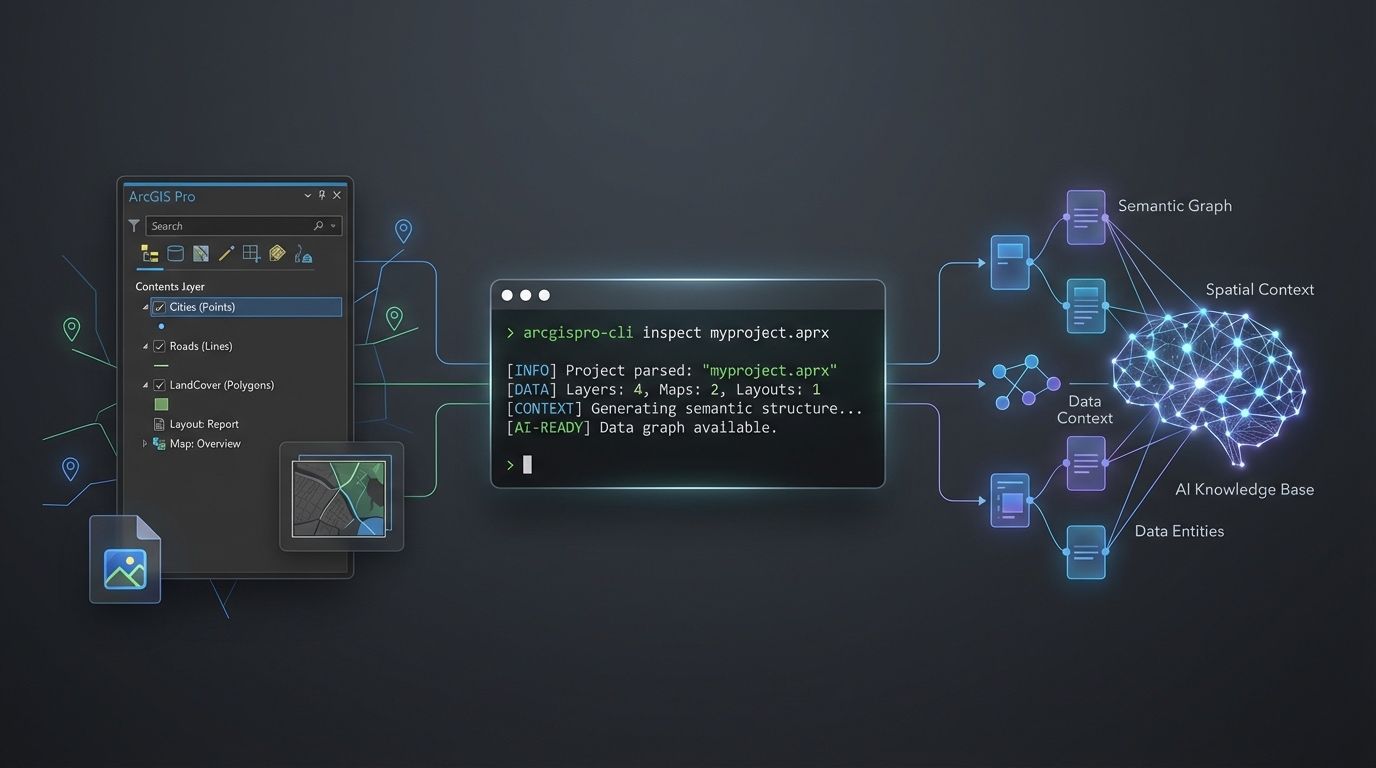
arcgispro-cli: Bridging GIS project structure and AI (source: Danny McVey)Danny explains the motivation behind this tool in the announcement:
A lot of geospatial work still lives inside desktop projects, toolboxes, maps, layers, layouts, symbology, and geodatabases that AI tools can’t really “see”. That makes it hard to use coding agents effectively on real GIS projects without a lot of manual context transfer.
arcgispro-cli(…) gives you a command-line way to inspect ArcGIS Pro projects so an AI assistant can work with real project structure instead of guessing. (…) That unlocks a much more interesting workflow:
- inspect a project
- hand structured context to an AI assistant
- generate scripts, audits, migrations, fixes, or documentation
- stay grounded in the actual GIS project instead of vague prompts
The tool is open-source4 and stands at v. 0.5.1. According to Danny, arcgispro-cli also works well with GIS-centric agent skills he developed, but its use is not restricted to those.
It will be interesting to see how this tool develops and if and how it will be adopted and used by the community.