Besides identifying the correct CRS1 of one’s (or more often: others’) datasets correctly, choosing an appropriate level of coordinate precision (for example, when converting to GeoJSON or WKT2) can present pitfalls in data management.
There’s even an xkcd about it (you know it’s serious when it’s in the xkcd canon):
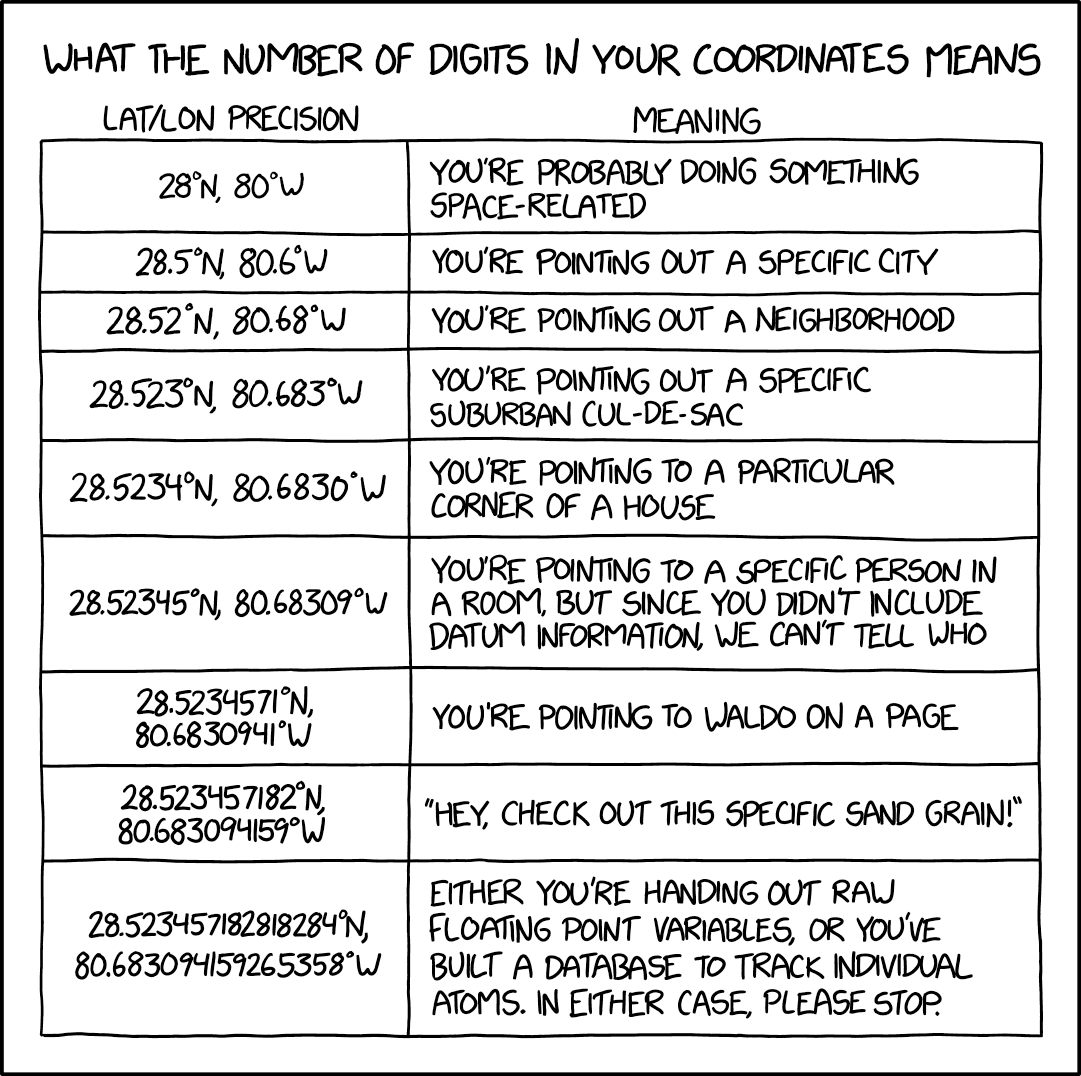
I’ve recently come across an interactive (maybe a bit less humorous, but more practical) introduction to this topic, by Mapbox: “Understand GeoJSON coordinate precision” (direct link to the full-screen map).
This tool features an interactive map displaying a grid of regularly spaced points representing single-digit increments of coordinate precisions overlaid on New York City. As you vary the coordinate precision using a slider, the map dynamically updates to show how the points represent a smaller or larger area. It’s tricky to describe but instantly intuitive when you see it:
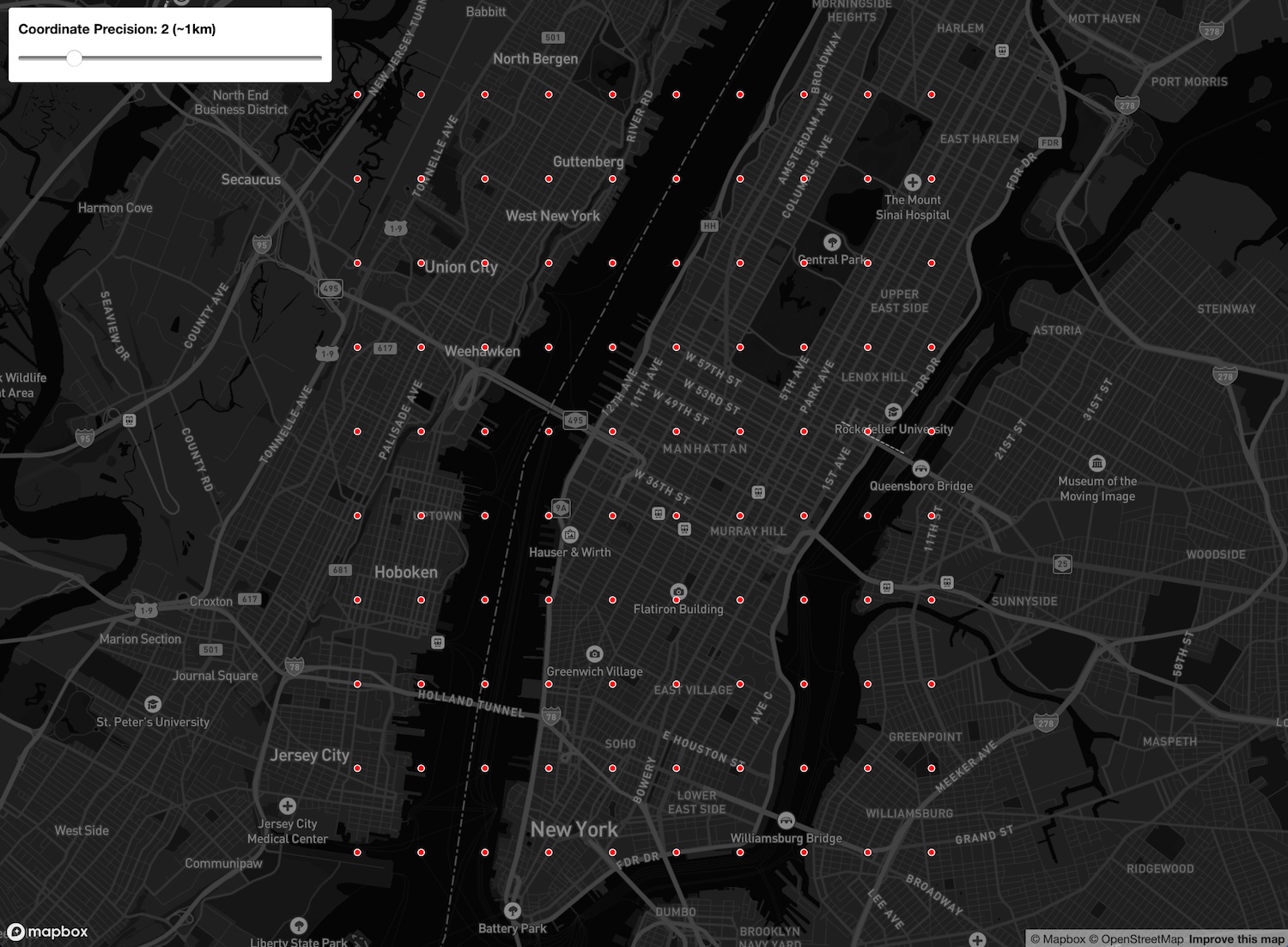
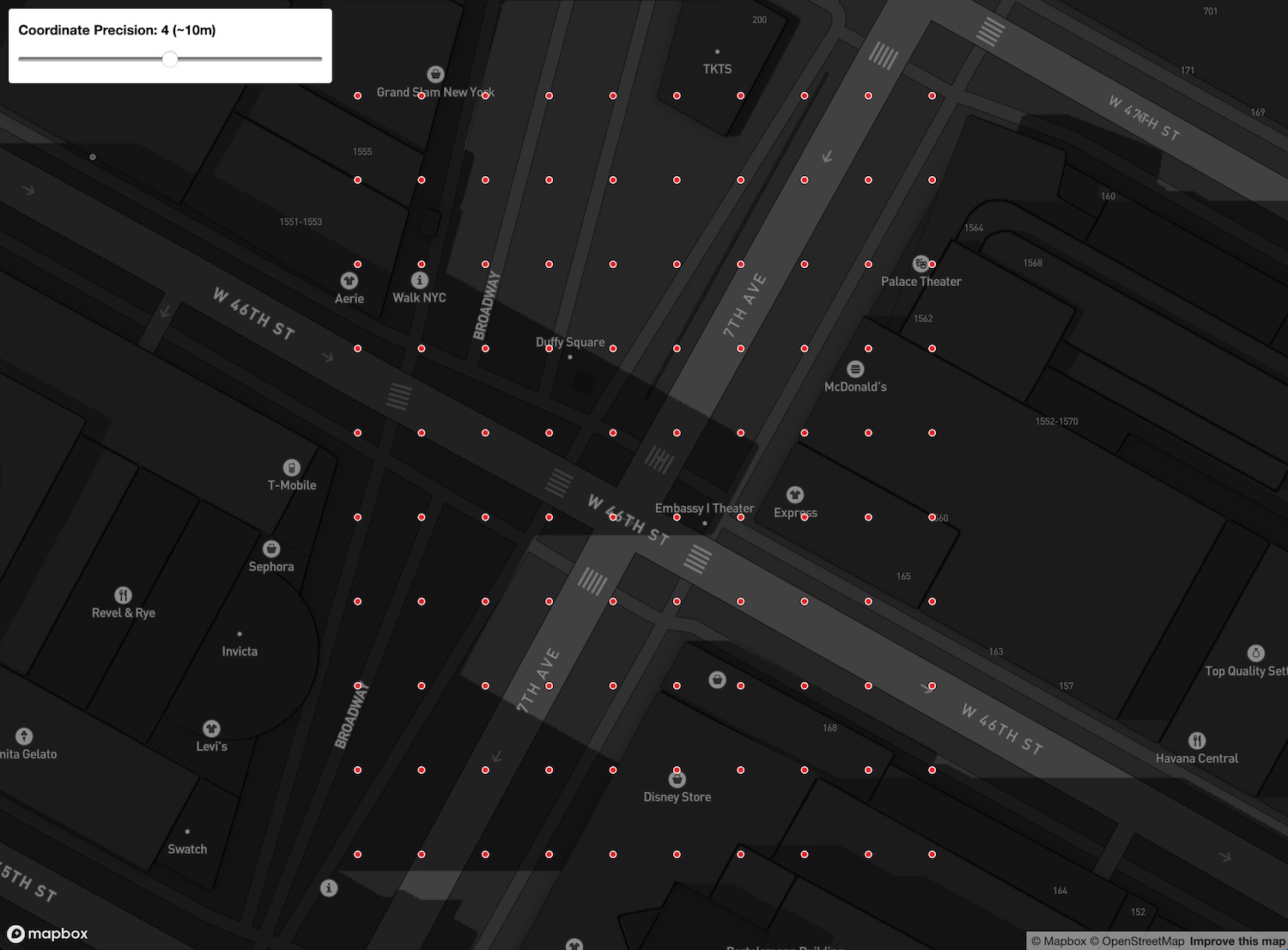
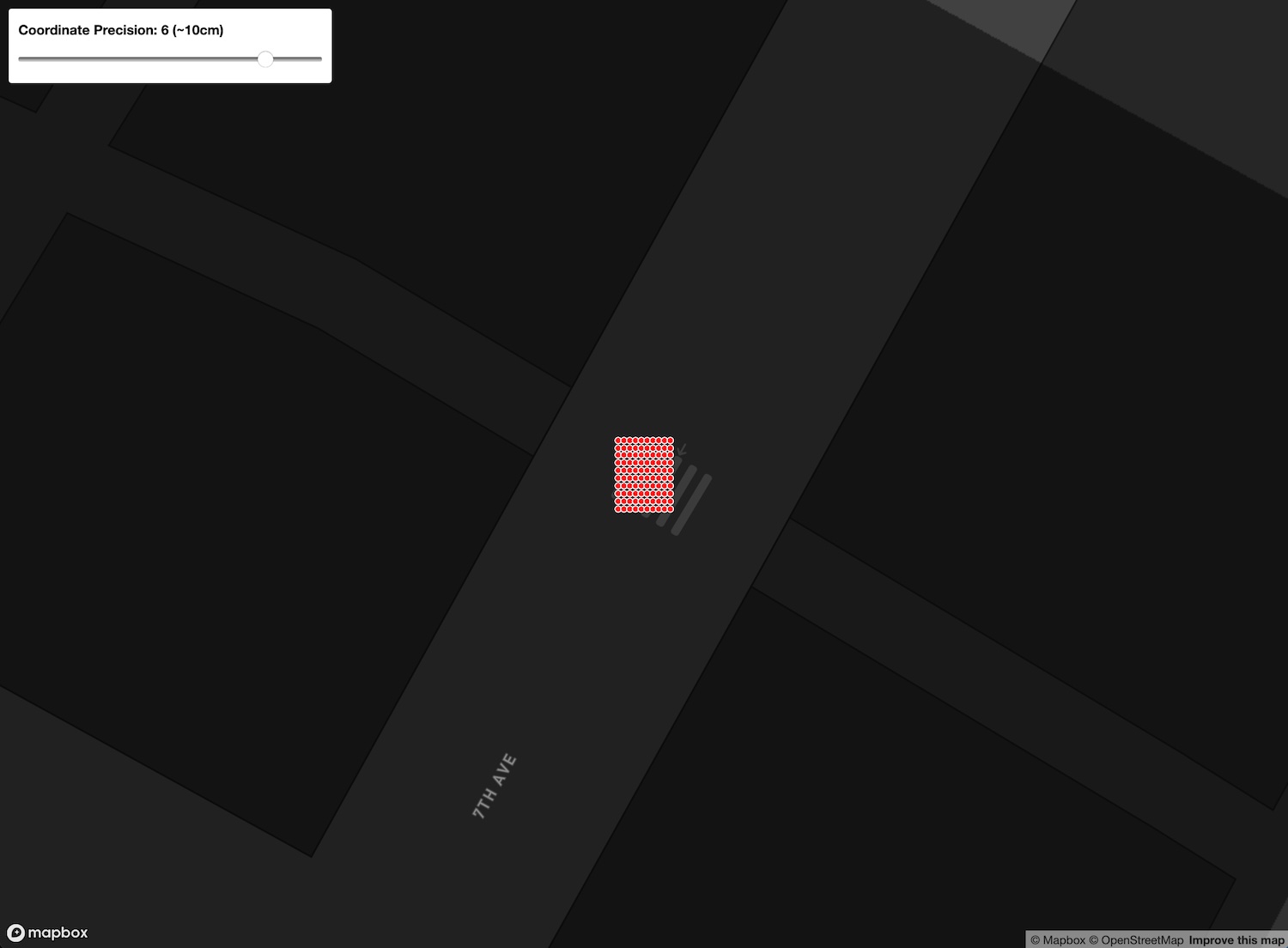
The Mapbox tool is a nice way to visualize how coordinate precision influences the representation of spatial data. And it can help you choose a suitable precision, without unnecessarily bloating your data.
Footnotes
Coordinate reference system.↩︎
Well-Known Text, a markup language for representing vector geometries.↩︎